 Briefing
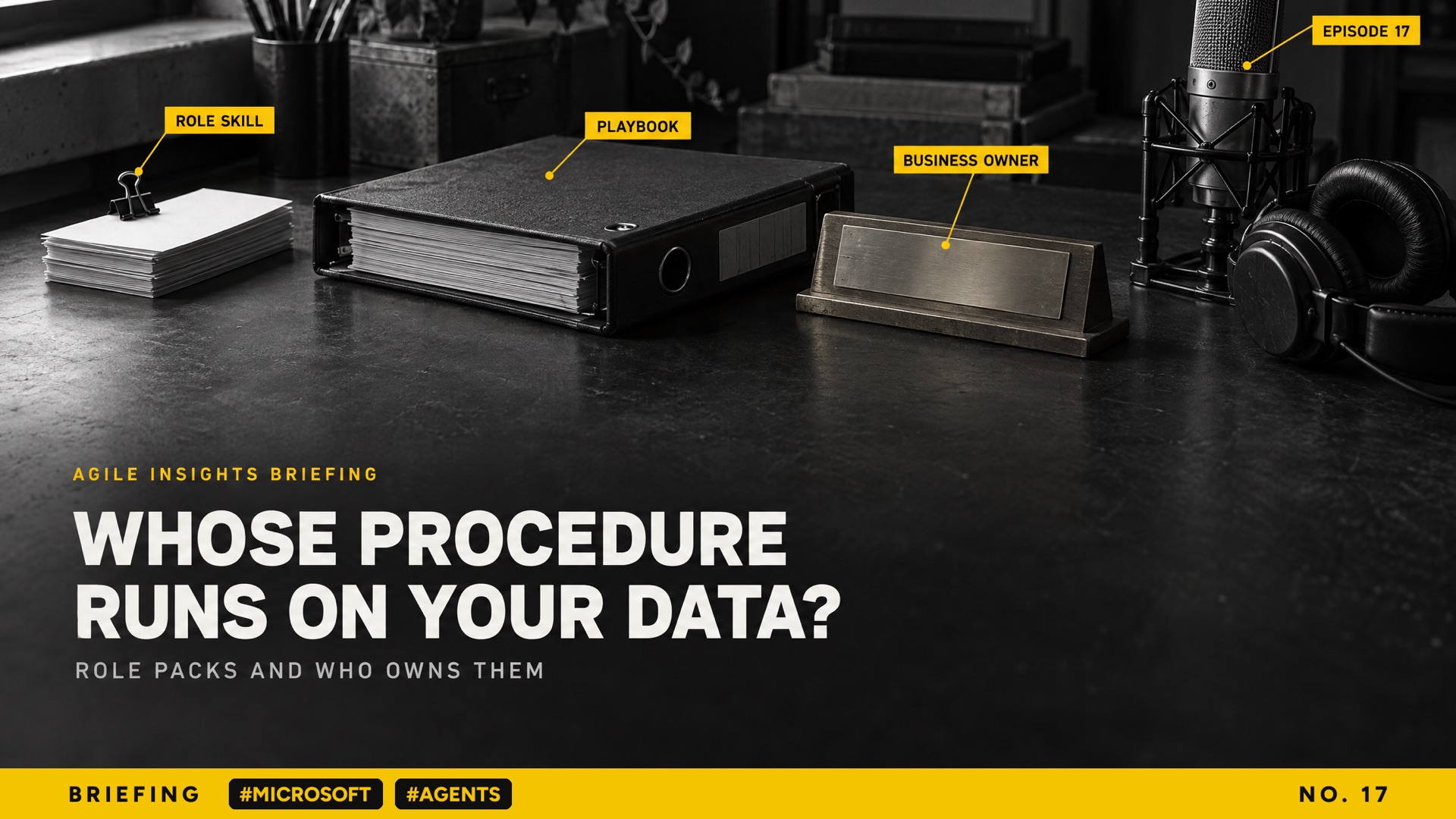
Episode 17 · Primer and discussion · About 14 minutes in two parts
Switching on a role pack is a process decision, not an I T toggle.
Part 1: Primer · About 7 minutes
Download the MP3 · Linda and Leonard, AI voices, read a script written from the sources below.
Part 2: Turn them on, or slow them down? · About 7 minutes
Download the MP3 · Linda and Leonard, AI voices, read a script written from the sources below.
In this episode
01Four role packs arrivedOn 21 October 2026 Microsoft added Sales, Service, Education and Legal plugins to Copilot Cowork, with more connectors to outside systems and tasks that start when a business system changes.
02A skill is a written procedureA skill is a short file of plain language steps that Cowork follows when a request matches it. Microsoft’s own guidance says a skill runs as instructions to the A I, so only upload skills from sources you trust.
03Your playbook becomes the controlThe Legal plugin reviews a contract against the applicable playbook, so an old playbook nobody owns gives confident answers against the wrong standard. Microsoft says Cowork is not meant for legal filings without human review.
04The admin switch has a side doorAdmins can deploy, limit or block plugins, but any user can upload a skill and share it with colleagues, and Microsoft documents no single tenant setting that turns that off. Unattended tasks can also be pre authorised.
05What to doGive each role pack a business owner and a pilot group, make the playbook an owned, dated document, write a rule for shared skills, check the audit log, and register every unattended task as an agent.
Sources and links (7)
What’s New in Cowork: Expanded plugins and role-based skills · Read on Microsoft Tech Community
Microsoft’s announcement, 21 October 2026: the four role plugins, the new connectors and tasks that start from a business system.
Microsoft’s announcement, 21 October 2026: the four role plugins, the new connectors and tasks that start from a business system.
Manage plugins in Cowork · Read on Microsoft Learn
The admin controls: deploy, allow and block plugins, user upload and sharing, audit logging and the Information Barriers gap.
The admin controls: deploy, allow and block plugins, user upload and sharing, audit logging and the Information Barriers gap.
Cowork admin governance · Read on Microsoft Learn
How access is granted, why automated tasks run as the user, the default approval and pre authorisation.
How access is granted, why automated tasks run as the user, the default approval and pre authorisation.
Use Cowork · Read on Microsoft Learn
Event driven tasks, draft and approve, the always allow option and custom skills, with Microsoft’s advice on trusted sources.
Event driven tasks, draft and approve, the always allow option and custom skills, with Microsoft’s advice on trusted sources.
Customising Cowork with plugins and skills · Read on Microsoft Learn
Uploading a plugin package, automatic conversion of Claude plugins, and sharing with colleagues.
Uploading a plugin package, automatic conversion of Claude plugins, and sharing with colleagues.
Available plugins in Cowork · Read on Microsoft Learn
The Roles and Industry plugins, the Legal skill list and its licence requirement.
The Roles and Industry plugins, the Legal skill list and its licence requirement.
Application card: Copilot Cowork · Read on Microsoft Learn
Microsoft’s responsible A I note, including that Cowork is not intended for uses such as legal filings without human review.
Microsoft’s responsible A I note, including that Cowork is not intended for uses such as legal filings without human review.
Written from Microsoft’s own public announcement and documentation and checked on 23 October 2026. Nothing here was tested in a tenant, no independent evaluation of the role skills existed when this was made, and some connectors were still rolling out. Check the original before quoting.
Want to know more?
Sign up for our podcast at agile-insights.com.au.
Read the transcript · Part 1: Primer
Linda Here is the idea for today. When Microsoft's Copilot Cowork ships a ready made skill for lawyers or sellers, you are adopting someone else's written procedure. It runs over your own data. So switching one on is a process decision with a business owner... not a settings toggle for I T. By the end you will know what a skill, a plugin and a connector are, and what Microsoft released this week. You will also know what to decide first.
Leonard Let me set the scene, because plenty of people have Copilot and have never opened Cowork. Cowork is the part of Microsoft three six five Copilot that does the work rather than just answering. You give it a job, and it makes a plan. Then it works through your files, mail and meetings to finish it, and it asks before it sends anything. Before a client meeting, it can gather the emails, read the last proposal and draft the brief for you to check. On the twenty first of October, Microsoft gave it a lot more to work with.
Linda Three things, and the first matters most. Microsoft released four role based plugins, for Sales, Service, Education and Legal. They sit in a new section called Roles and Industry. Second, more connectors, so Cowork can reach systems beyond Microsoft three six five, using each person's own permissions. Third, tasks that start by themselves when something changes in a business system, such as a new support case. Microsoft says the role plugins are available today. Some of the connectors are still rolling out over the coming weeks.
Leonard Plugins and skills sound like the kind of words that mean something different in every product. In the old days a plugin was a bit of software you installed in a browser. Before we go further... what is a skill in this setting?
Linda It is humbler than it sounds. A skill is a short written procedure in a file. It has a name, a description, and then steps in plain language. When your request matches the description, Cowork loads the steps and follows them.
Leonard That's it? Just written steps?
Linda That's it. Microsoft's own guidance says a skill runs as instructions to the A I, so only upload skills from sources you trust. A plugin is a package of skills, sometimes with connectors. A connector is a link to another system, like a customer database or a document store.
Leonard So the Legal plugin is a bundle of procedures that a vendor wrote for lawyers. A junior lawyer gets a structured first pass on a contract instead of a blank page. But it also means someone outside the firm has decided what a good review looks like. What is actually in it?
Linda Microsoft says twenty legal skills, the same ones it offers in Word. One reviews a contract against the applicable playbook and flags terms that need attention. Others summarise redlines, pull out obligations and deadlines, and check whether a document is ready to sign. Another skill builds a playbook from your past agreements, for a lawyer to approve. Here is the step most people miss. If the review checks against your playbook, the playbook is now the control. An old playbook that nobody owns gives you confident answers against the wrong standard...
Leonard Fast, confident, and wrong.
Linda Exactly. And Microsoft's own transparency note says Cowork is not meant for legal filings without human review.
Leonard That changes how I would think about a rollout. I would have started with the software and left the playbook for later. It sounds like the order is the other way round. And it raises the obvious question for anyone in governance. Who decides whether staff see any of this in the first place?
Linda The administrator, mostly. In the admin centre, an admin can deploy a plugin to everyone or to chosen groups, or block it outright. People cannot remove a plugin the admin deploys, though they can switch it off. That is a real control... but it is not the whole picture. Any user can also upload a skill or a whole plugin and share it with named colleagues. Microsoft's documentation says there is currently no single tenant setting that turns that sharing off. Only publishing to the whole organisation needs an admin's approval.
Leonard So the switch in the admin centre is a front gate, and there is a side door beside it. A keen analyst could build a handy skill on Friday and have half the team using it by Monday. Nobody would have signed anything off. Then there are the tasks that start by themselves, which sound like the bigger change. How do those work?
Linda Microsoft calls them event driven tasks. You describe what to watch for. Cowork then proposes a card showing the trigger, the action and the permissions it needs. Once you approve it, the task runs on its own. It runs as you, and it sees only what you can see. By default it drafts and waits for your approval before it sends a message or changes a record. But the person setting it up can pre authorise actions...
Leonard Which is where it gets interesting.
Linda It is. In plain terms, that is an agent working unattended in your name. So the common misunderstanding is that the admin switch is the decision. It is only where the decision gets recorded.
Linda That is what this means for A I governance. The question moves from which tool you bought to whose procedure runs on your data, and who approved it. So here is what to do. First, give each role plugin a business owner, and pilot it with one group before anyone else sees it. Second, before the Legal plugin goes live, make your playbook an owned, dated document. Third, write a rule for skills people upload and share. Then check the audit log, which records Cowork and plugin activity. Fourth, treat every unattended task as an agent, with a list of actions nobody may pre authorise.
Leonard That is Part 1. In Part 2, we ask whether to turn these role packs on, or slow them down. Stay with us.
Read the transcript · Part 2: Turn them on, or slow them down?
Linda Here is the idea for this part. A ready made skill from a vendor is a procedure someone else wrote, running over your data. So the real decision is who owns it, not whether the switch is on. Today we test that idea against the strongest case for simply turning these things on. By the end you will know where the evidence settles, where it does not, and what to decide first.
Leonard A quick recap, so this part stands on its own. On the twenty first of October, Microsoft added four role based plugins to Copilot Cowork. They cover Sales, Service, Education and Legal. A plugin is a package of skills. A skill is a short written procedure the A I follows when your request matches it. Microsoft also added connectors to outside systems, which run with each person's own permissions. And it added tasks that start by themselves when a business system changes. Admins can deploy, limit or block plugins. Users can still upload and share their own.
Linda So the question is this. Are these role packs a risk to slow down, or the best governed A I your people will get this year? I will argue the cautious side, and you take the other.
Leonard Happily.
Linda My case starts with where the risk sits. The vendor wrote the procedure, but the procedure leans on your material. The Legal contract review checks against the applicable playbook. If the playbook is old, or nobody owns it, the review is fast and confident... against the wrong standard. And the playbook skill can draft that playbook too. Draft it and approve it in the same afternoon, and nobody has really reviewed anything.
Leonard I will take the other side, and I think it is the stronger one. Look at what people do today without these packs. They paste a contract into a chat window with a prompt they wrote at eleven at night. Nobody can see that prompt, nobody reviewed it, and it changes every time.
Linda We have all seen that.
Leonard We have. A vendor skill is written down. You can open it, read its steps, and see which skill ran. Cowork asks before it sends an email or changes a record. Microsoft says the activity lands in the Purview audit log at no extra cost. Compared with the habit it replaces, that is a step up in governance.
Linda That is fair, and I agree with more of it than I expected. A written procedure you can inspect beats a private prompt. Where I still worry is the side door. Microsoft's own admin guidance says there is currently no single tenant setting that turns off plugin sharing. Any user can upload a skill or a plugin, including a Claude plugin, which Cowork converts automatically. They can then share it with chosen colleagues. Only publishing to the whole organisation needs an administrator to approve it. Microsoft's advice is to upload skills only from sources you trust... That is good advice, but it is a request to the user, not a control.
Leonard I accept the side door is real. But I would read it the other way round. If you block the role packs while you think, people will not stop working...
Linda They never do.
Leonard They will use the side door. Soon you have a dozen home made legal skills, shared between friends, with no owner. The vendor pack at least has a publisher, a description and a known list of skills. So switch the packs on early, for a pilot group, and make the governed option the easy one. Slowness pushes people to the less governed path.
Linda Then we can settle that one. Turn them on early, for a named group, with a named owner. Your point about the easy path is right, and mine about ownership still holds. The next question is harder, and it is about the tasks that run on their own. Microsoft says event driven tasks run as the person who made them. They see only what that person can see, and they default to draft and approve. But the documentation also says users can pre authorise actions when they create a task. And in a live session there is an always allow option that skips the prompt for similar actions.
Leonard Ah. Always allow.
Leonard This is where I stop defending the defaults. An approval prompt only protects you if someone reads it. When a task asks for the same approval twenty times a week, people click yes without looking. Then they pre authorise it to save time. Take the example in Microsoft's own post. When a new contract lands in the legal intake folder, review it against our playbook and send me the deviations. That is useful... It is also an agent working unattended in a lawyer's name, started by whoever drops a file in a folder. It belongs on the same list as anything your I T team builds.
Linda Agreed, and that list is the practical answer. Register each unattended task as an agent, with an owner and a purpose. Then decide the short list of actions that may never be pre authorised. Sending email outside the organisation is one, and changing a customer record is another. One more gap matters for some listeners. Microsoft has a feature called Information Barriers, which keeps groups like rival deal teams apart. It says the feature is not yet supported for plugin and skill management. If you are a law firm or a bank, check that before anyone shares a skill across teams.
Leonard Now the short passage on what is confirmed. Everything we have described about the plugins and the controls comes from Microsoft's own announcement and its own documentation. Nobody has published an independent test of how well the legal or sales skills perform on real work. Some of the connectors are still rolling out over the coming weeks. And there is no public figure for how often people pre authorise actions. So the controls are confirmed as Microsoft describes them. Whether they hold up in your organisation is something you find out in your own pilot.
Linda Here is what to do. First, give each role pack a business owner, such as the head of sales or the general counsel. The admin who deploys it is not the owner. Pilot it with one security group. Second, make the playbook or reference material an owned, dated document before the pack that relies on it goes live. Third, write a short rule for skills people upload and share. Check the sharing activity in the audit log each month. Fourth, register every unattended task as an agent, and name the actions nobody may pre authorise. The admin switch records the decision...
Leonard And ownership is the decision.
Linda Ownership is the decision.
Linda If you'd like to know more, sign up for our podcast at agile-insights.com.au.
Leonard Thanks for listening.
More on #microsoft
Episode 25 · Primer and discussionThe managed loop: what you still own when the vendor runs your agent.Episode 22 · Primer and discussionFrom Pilots to Programs: govern an agent by what it does.Episode 10 · Primer and discussionMicrosoft now ships the controls for AI agents. The decisions are still yours.Reference 6 · PrimerMicrosoft Agent Governance Toolkit: runtime control for AI agentsEpisode 20 · Primer and discussionUsage is not quality: who reads the feedback?Episode 15 · Primer and discussionMicrosoft governs the access. You still have to govern the answer.
Every episode tagged #microsoft
All of the briefings (38) · Follow Briefing in Apple Podcasts or any podcast app
Everything from Agile Insights: briefings, Making You Think and the reference series